

Thriller

PikCube is a calm, focused space to discover and watch films, series, episodes, clips, and trailers. Browse a clean media library, build a watchlist, and pick up right where you left off.
The experience is centered on entertainment browsing rather than social noise — direct interface text, video pages arranged for quick scanning, and tools that fit short breaks or longer viewing sessions.
Browse films, series, episodes, clip sets, and trailers by category and title. Each page presents summaries, runtime, poster art, and related suggestions.
Start a film, continue an episode, review a trailer, or return to a clip with familiar controls for progress, pause, resume, and screen orientation.
Keep interesting movies, serial stories, short clips, and upcoming trailers close at hand so you always know what to watch next.
Recognize recently opened media and continue longer stories across sessions without losing your place in the library.
Move through media shelves, search for titles, and check episode groupings on pages arranged for quick scanning.
Saved viewing tools and collections help organize the films, series, clips, and trailers you plan to revisit.
Explore sections by category, title, episode, clip set, or trailer — and decide what to watch next without losing your place.



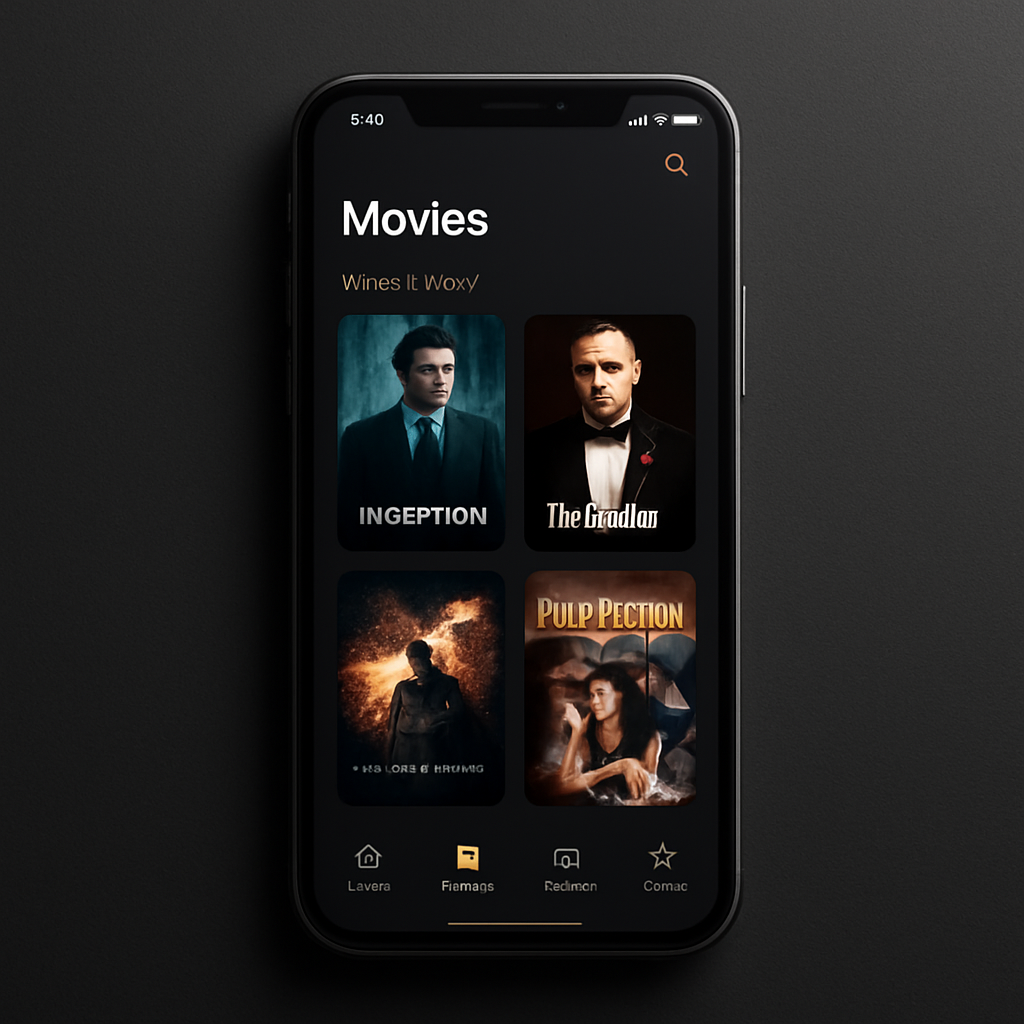
PikCube brings together media browsing, playback, viewing history, and watchlist organization in one place for film and series entertainment — with interface text that stays direct and easy to scan.
VIP membership offers paid access to selected video sections and saved viewing tools. Benefits are shown at the point of purchase and activated after Apple confirms the in-app purchase.
Payment is charged to your Apple ID at confirmation of purchase. Subscriptions renew automatically unless auto-renew is turned off at least 24 hours before the end of the current period, and your account is charged for renewal within 24 hours prior to the period end. Manage or cancel anytime in Apple ID Account Settings.
PikCube lets you browse and watch films, series, episodes, clips, and trailers from a clean media library. Each title page presents summaries, runtime details, poster art, and related viewing suggestions.
Yes. Viewing history helps you recognize recently opened media and continue longer stories across sessions, so you can pick up right where you stopped.
A simple watchlist keeps interesting movies, serial stories, short clips, and upcoming trailers close at hand, and saved viewing tools help organize what you plan to revisit.
VIP membership provides paid access to selected video sections and saved viewing tools. Benefits are shown at the point of purchase and activated after Apple confirms the in-app purchase.
Subscriptions are purchased and billed through Apple in-app purchase and renew automatically unless cancelled. You can manage renewals, refunds, and cancellation through your Apple ID account settings.

Discover, access, and watch film and series entertainment on iPhone — browsing, playback, history, and watchlist in one focused place.
Download on the App Store